

Best OBD2 scanner 2026 is a red-hot topic for car owners who want fast, affordable answers when the check engine light comes on. In 2026, advanced Bluetooth scanners like BlueDriver Pro, Topdon TopScan, and XTOOL A30M deliver pro-level tools under $150—if you know what to buy and which pitfalls to avoid. This data-backed guide will show you the latest user-tested winners, step-by-step tactics to maximize your scanner, and the biggest complaints to sidestep so you DIY with total confidence.
Key Takeaways
- BlueDriver, Topdon TopScan, XTOOL A30M, and OBDLink MX are the best OBD2 scanners 2026 under $150 for wireless diagnostics and check engine light repairs.
- Pro-level Bluetooth tools offer bidirectional controls, live data graphing, and app-driven maintenance beyond basic code readers—but ease of use and app quality varies.
- Common pain points include app complexity, compatibility issues with older models, and features locked behind costly subscriptions in some brands.
- What Sets the Best OBD2 Scanner 2026 Apart?
- How to Choose & Use a Wireless OBD2 Scanner (Step-by-Step)
- Pitfalls: Common Complaints & What Most Reviews Miss
- Conclusion: Picking the Best OBD2 Scanner 2026 for Your Needs
- Frequently Asked Questions
What Sets the Best OBD2 Scanner 2026 Apart?
Modern cars demand smarter diagnostics—and the best OBD2 scanner 2026 is all about two things: reliable wireless pairing for on-the-go troubleshooting, and deep scan features (think live data, bidirectional tests) that turn your phone into a pocket mechanic. Gone are the days of clunky, corded readers. In 2026, the Bluetooth OBD2 market is led by standout models under $150 like:
- BlueDriver Bluetooth Pro ($120) – Gold standard, no subscriptions, robust iOS/Android app. [Car and Driver]
- Topdon TopScan ($80) – Pro diagnostics in a pocket-size tool. Dealer-level for less. [YouTube]
- XTOOL Anyscan A30M v2 (~$50–100) – Walmart’s top-rated, strong real-world user feedback.
- OBDLink MX+ ($140) – Lightning-fast reads, trusted for newer vehicles.
- Blcktec 430 ($90) – Better than cheap clones; wins in budget Bluetooth.
Compared to old-school OBD2 code readers, these models offer:
- Full-system scans (not just check engine codes)
- Graphing of live data for real troubleshooting
- Bidirectional controls for advanced maintenance and repairs
- App-driven fixes: repair suggestions, maintenance tracking, and shareable reports
Feature-for-feature, it’s a big leap—especially for those considering a 360 rotating car seat for safer daily errand runs, or investing in an AI dash cam for insurance discounts. A modern OBD2 tool is now as vital for car owners as child seats or dash cams.
How to Choose & Use a Wireless OBD2 Scanner (Step-by-Step)
Whether you’re troubleshooting a stubborn check engine light or prepping for a trip in your extended range electric vehicle, here’s how to select, connect, and maximize your OBD2 Bluetooth scanner:
- Pick Based on Car & Budget: For most 1996+ US vehicles, any top-rated scanner above will work.
- Budget-friendly: XTOOL A30M or Blcktec 430 ($50–$100)
- More features: BlueDriver Pro or OBDLink MX+ (up to $140)
Pro models (Innova, Topdon Phoenix Nano) cost more but add pro shop-level controls if you need bi-directional or battery testing.
- Download the Brand’s Official App: Avoid third-party apps that may limit features or cause pairing issues.
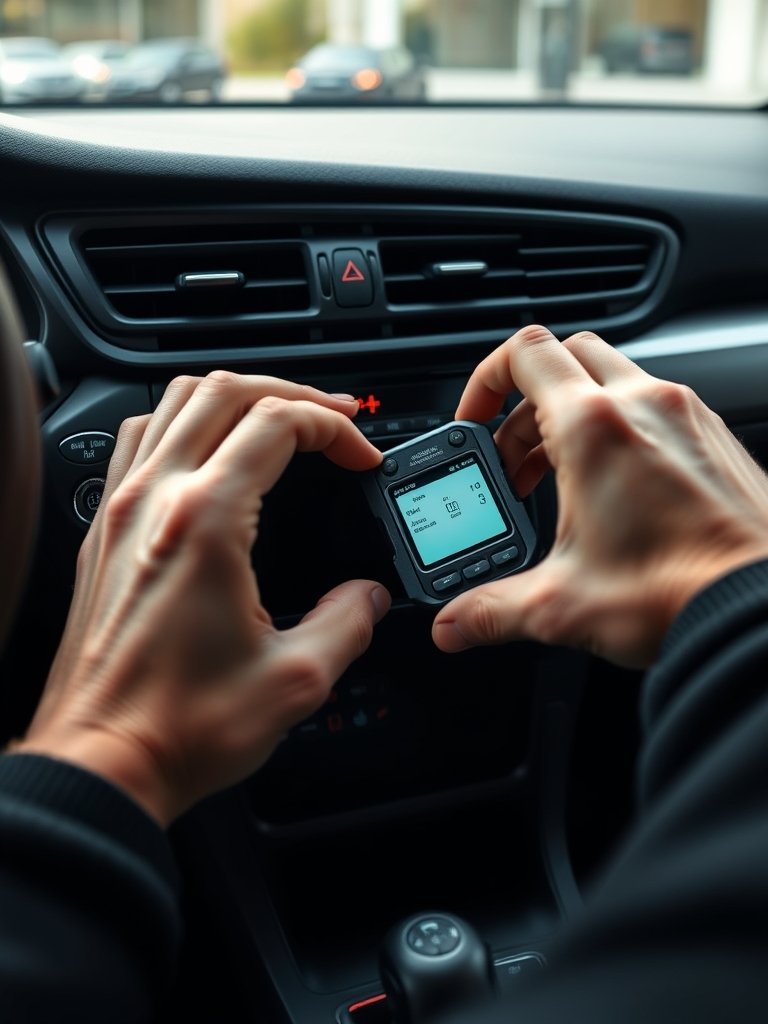
- Plug In & Pair: Find your OBD2 port (usually under the dash near your left knee), insert the scanner, and pair via Bluetooth. Follow the in-app prompts to connect.
- Scan Your Vehicle: Run a full-system scan—not just engine codes. This checks all modules (ABS, SRS, transmission, etc.).
- Interpret Codes with App Tools: Let the app suggest possible fixes. BlueDriver and Topdon offer built-in repair reports.
- Clear Codes Safely: Only erase codes when you’re sure the issue is resolved. Otherwise, check for recurring faults.
- Explore Maintenance Features: Use vehicle-specific monitoring—battery tests, service resets, or predictive maintenance tips where supported.
Pitfalls: Common Complaints & What Most Reviews Miss
No scanner is perfect. Based on user reports and 2026 review roundups, here are the big complaints and real-world pitfalls to watch for:
- App Frustrations: Users often highlight unintuitive menus, clunky pairing, or missing features on pro apps—especially with Innova and Motopower models. Free, but poorly designed apps mean extra headaches.
- Limited Data or Features: Cheaper dongles (like ELM327 clones or Veepeak) disappoint with limited data and unreliable performance vs. reputable tools like Blcktec or Topdon. FIXD and some budget models also lag on update frequency.
- Compatibility Problems: Even in 2026, not all scanners support absolute full-system scans—especially on older or imported cars. Some require paid upgrades for ABS/SRS support or battery resets. Always check coverage if you drive outside North America.
- Subscriptions & Hidden Costs: While BlueDriver and Topdon include lifetime updates, some brands lock advanced diagnostics behind recurring app subscriptions (especially outside the US market). Watch for small print.
- Price vs. Value: More expensive does not always mean better. For pure check engine lights, a $90 Blcktec or ~$100 XTOOL A30M rivals pricier pro kits—and both appear on Walmart’s “best rated” list [Walmart best-sellers].
| Model | Price | Compatibility | Ease of Use |
|---|---|---|---|
| BlueDriver Pro | $120 | 1996+ US, some imports | Instant pairing, highly intuitive, no subscriptions |
| Topdon TopScan | $80 | 1996+ OBD2, full system | Simple app, pocket-sized, deep diagnostics |
| XTOOL A30M v2 | $50-100 | Broad OBD2 w/ upgrades | Quick setup, well-rated |
| OBDLink MX | $140 | Modern cars; all modules | Reliable, pro favorite |
| Blcktec 430 | $90 | Better than clones | Easy Bluetooth pairing, top performer |
| Ancel BD310 | <$100 | Wired/Bluetooth, wide OBD2 | Versatile, combines display + app |
Still undecided? Consider what you prioritize: instant app fixes (BlueDriver), no annual fees (Topdon, XTOOL), or best value for simple code clears (Blcktec). If you’re investing in future tech, like a smart electric stroller or preparing your home for an EV charger install, future-proofing with a scanner that supports new protocols (CAN-FD, etc.) may also matter.
Conclusion: Picking the Best OBD2 Scanner 2026 for Your Needs
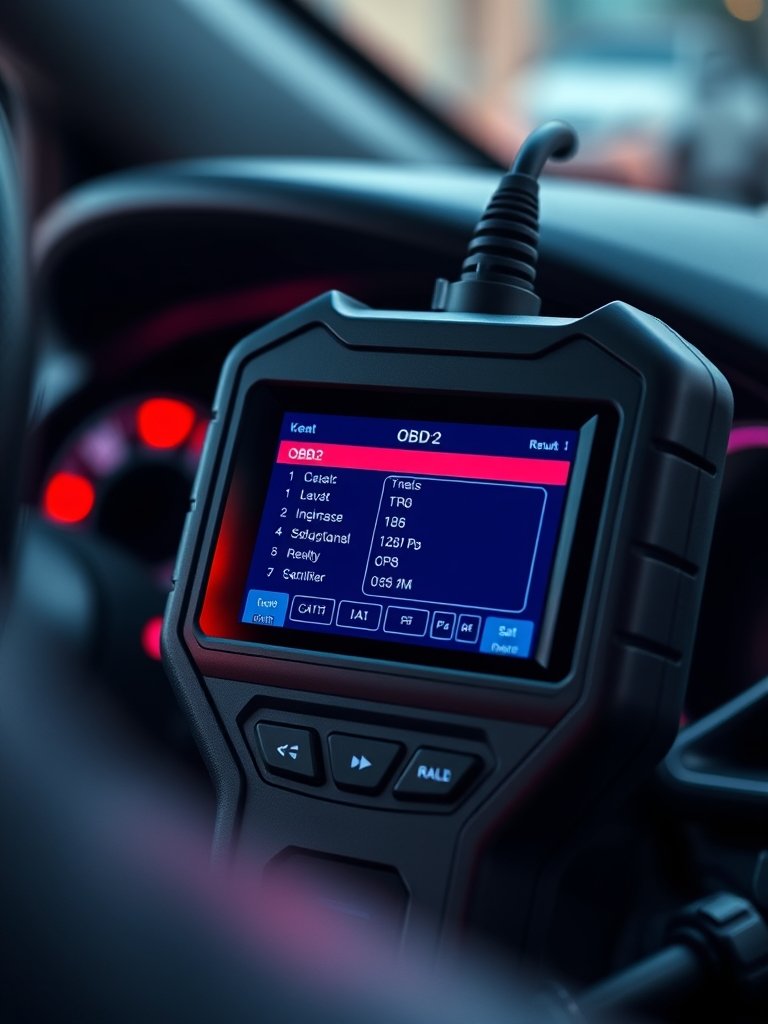
The best OBD2 scanner 2026 is one that fits both your budget and your car’s features. For most owners, a Bluetooth model like BlueDriver, Topdon TopScan, or XTOOL A30M delivers everything needed for check engine lights, routine maintenance, and even pro-level troubleshooting—at a price under $150. Just be sure to match compatibility and avoid hidden app fees. With the right scan tool, you’ll save money, time, and avoid the stress of surprise repairs—no matter if you’re prepping for a cross-country trip or everyday school runs.
Ready to get more from your ride? Explore our proven guides on quick-fix car tech and smart baby gear, such as the 360 rotating car seat and electric stroller 2026 to keep your family secure and your vehicle road-ready in every season.
Frequently Asked Questions
What makes a Bluetooth OBD2 scanner better than a corded scanner in 2026?
Bluetooth OBD2 scanners in 2026 allow instant pairing with your smartphone or tablet, advanced app features (repair reports, live graphing), and full-system scans. Corded models are limited to basic code reads and lack real-time app updates and wireless convenience.
Will the best OBD2 scanner 2026 work on hybrids or non-US cars?
Most top Bluetooth scanners (like BlueDriver or OBDLink MX) support 1996+ OBD2 cars, including many hybrids. However, some modules (ABS, SRS) and non-US vehicles may require a pro tool or a region-specific app update. Always check the manufacturer’s compatibility list before buying.
Do I need a subscription for these OBD2 scan tools?
No for most top models: BlueDriver, Topdon TopScan, XTOOL A30M, and OBDLink MX all include basic diagnostics and lifetime updates with their official app. Some advanced features (like dealer coding or battery resets) may require a paid unlock in certain brands. Watch for hidden costs.
Can I use one scanner for multiple cars and family members?
Yes! Most Bluetooth OBD2 scanners work on any compatible car. Just download the same app on different phones or keep the tool in your glove box for family/emergency use. Perfect for households with multiple vehicles or as a road trip backup alongside other tech like the Momcozy wearable breast pump.
Which OBD2 scanner is best for electric cars and new EV protocols?
OBDLink MX+ offers robust support for modern EVs and advanced OBD2 protocols (including some CAN-FD features). For extended-range electric vehicles, always confirm with the latest compatibility lists or ask the vendor directly for full EV module access.