

Dash cam front and rear 4K setups are rapidly becoming essential for drivers who want the sharpest evidence, especially for rideshare pros like Uber and Lyft facing rising fraud risks and accident disputes.
Key Takeaways
- Dual 4K dash cams with parking mode provide high-clarity footage, critical for insurance claims and protecting against staged accidents.
- Uber and Lyft drivers are prime fraud targets—staged crash losses have topped $300K in recent years in just New York alone.
- Choosing the right model means understanding core specs, addressing common pitfalls, and looking for features tailored for rideshare demands.
- What Is a Dash Cam Front and Rear 4K—and Why You Need It
- Step-by-Step: Choosing & Installing Your 4K Dual Dash Cam
- Common Pitfalls to Avoid with 4K Front and Rear Dash Cams
- Conclusion & Next Steps: Protect Yourself on the Road
- FAQs: Dash Cam Front and Rear 4K Explained
What Is a Dash Cam Front and Rear 4K—and Why You Need It
A dash cam front and rear 4K combines two ultra-high-resolution cameras—one facing the road, one covering the rear—to capture everything that happens around your vehicle. For rideshare drivers, families, or commuters, this setup delivers ironclad visual evidence in any collision, parking lot scrape, or insurance dispute. But why 4K and why both front and rear?
Let’s connect the dots: Auto insurance fraud is a multibillion-dollar problem. According to recent stats, New York received 28,500 no-fault insurance fraud reports in 2024—75% of all fraud cases. Rideshare drivers are prime targets, with staged crashes and false injury claims. In one case, Uber and Liberty Mutual lost $312,979 to just eight phony accidents from one fraud ring (full story).
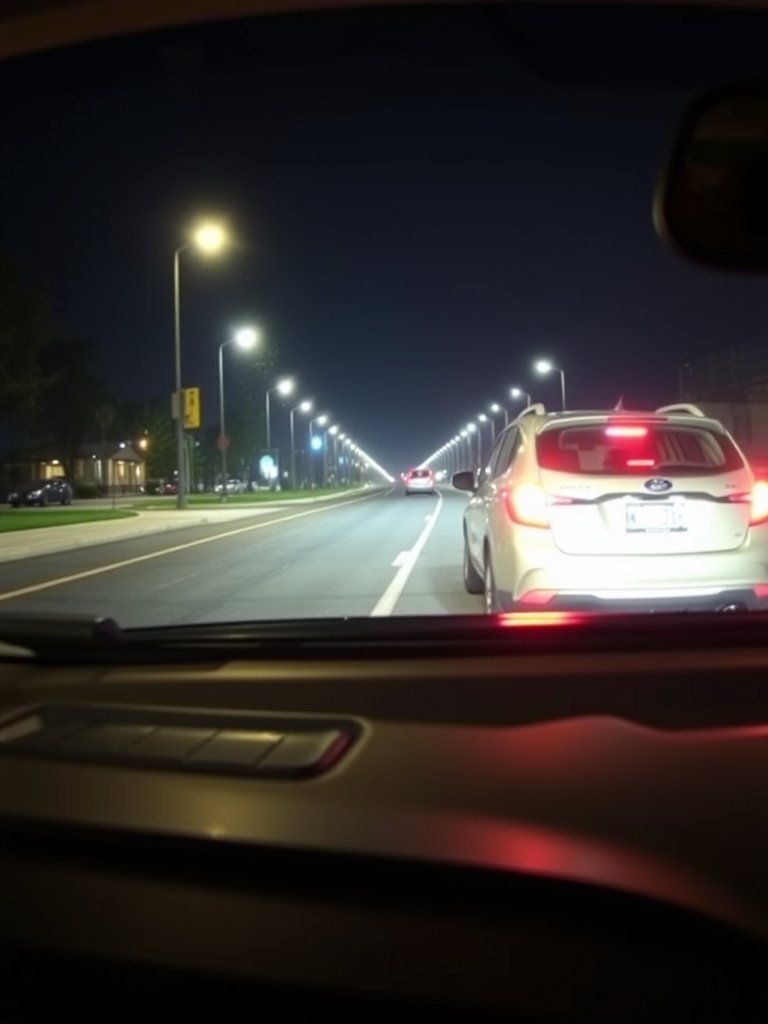
Traditional 1080p cams might let suspicious behavior slip through with blurry or unreadable plates and faces, especially at night. With 4K (2160p) front and rear footage, key details—including car tags, street signs, and actions outside your vehicle—stay sharp. Parking mode keeps recording even while you’re away, catching “hit-and-runs” or vandalism.
For Uber and Lyft drivers, dual cam coverage is also crucial inside the car—monitoring passenger behavior and deterring false claims. While privacy matters, many drivers are turning to these systems as the ultimate business insurance.
Want a deeper dive on next-gen dash cam tech? Explore AI-powered options with driver monitoring in this AI Dash Cam Guide.
Step-by-Step: Choosing & Installing Your 4K Dual Dash Cam
- Define your primary use case: Need ultra-wide front-and-rear for accident disputes, interior monitoring for rideshare, or parked vehicle protection?
- Prioritize 4K front & 2K–4K rear (or 1080p minimum): Not all listed “4K” kits deliver true resolution on both ends. For license-plate legibility front and back, check actual sensor specs.
- Parking mode is a must for fraud protection: Choose buffered or time-lapse modes able to auto-record on impact or motion. Hardwire for best results—many plug-ins disable parking mode when ignition is off.
- Night vision and HDR: Infrared or low-light sensors reduce glare and brighten dark scenes—critical for night driving and parking lots.
- Loop recording and G-sensor lock: Overwrites oldest footage for “set-and-forget” use; locks incident video if an accident is detected.
- Wi-Fi or app access: Instantly review and share footage from your phone, a must for submitting rapid insurance evidence.
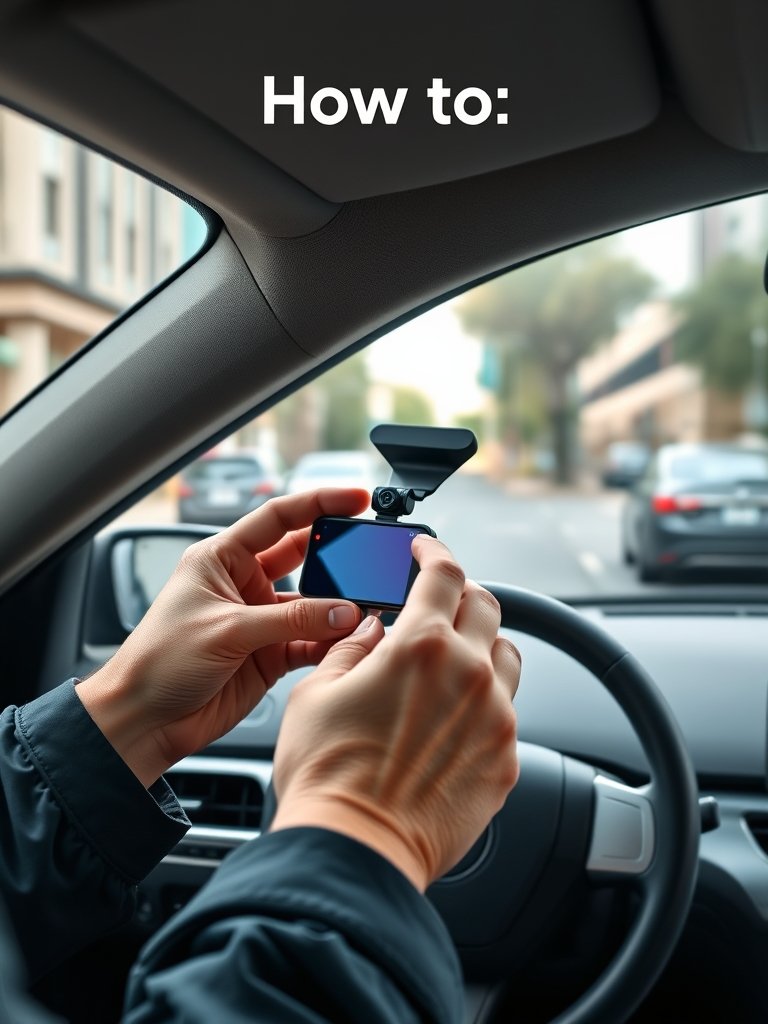
- Check installation needs: Windshield or rear window mount? Discreetness? Look for kits with long cables and clear instructions, or professional install options for rideshare pros.
- Test before you trust: Drive test by capturing day and night scenes. Confirm time/date stamp, video clarity, and that both cams record properly.
Plugged into safety for your family? Check out the 360 rotating car seat guide—another can’t-miss upgrade for proactive parents.
Common Pitfalls to Avoid with 4K Front and Rear Dash Cams
Despite big promises, the dash cam front and rear 4K market—especially $80-$180 kits—comes with buyer traps. Here’s what real-world drivers (and Amazon reviewers) wish they knew sooner:
| Complaint | How to Avoid |
|---|---|
| Fake 4K Claims | Check real sensor specs. “4K” often means upscaled 1080p. Look for actual 8MP (front) sensors for true 2160p. |
| Rear Cam is Low Resolution | Avoid kits that only promise 720p or “VGA” rear—the rear camera should be minimum 1080p for plate/details visibility. |
| Weak Night Vision | Review night footage samples before buying. Seek out models with HDR or infrared for low-light clarity. |
| Unreliable Parking Mode | Opt for hardwired or OBD-powered parking mode—cigarette lighter ports often shut off with ignition. |
| Cheap MicroSD Card Failure | Only use cards rated “high endurance”. Replace every 1–2 years for business use. |
| App/Bluetooth Bugs | Read app reviews for your phone OS—some models have unreliable Wi-Fi or buggy pairing. |
| Overheating or Freezing | Check for well-reviewed heat/cold reliability if you drive in extreme climates. |
Bonus tip: For maximum peace of mind, consider pairing your dash cam with AI security and a smart home hub (AI Home Hub guide), or browse the electric stroller trends for new parents on the go.
Conclusion & Next Steps: Protect Yourself on the Road
Insurance fraud targeting rideshare drivers isn’t slowing down, and neither is the need for clear, reliable evidence on the road. Today’s dash cam front and rear 4K kits—with robust parking mode—are your first line of defense. Whether you’re a rideshare veteran, a parent, or a safety-minded commuter, investing in a genuine 4K system pays for itself the moment you need uncompromised video proof.
Ready to upgrade your car’s safety technology and reduce your insurance headaches? Do your homework, avoid budget pitfalls, and make sure your cams are truly up to the job. For advanced use (cloud backup, AI alerts, and more), check out future-proof dash cam options and explore more ways to boost vehicle tech. Stay safe, and drive with confidence!
If you’re also upgrading your vehicle for family life, compare the best stroller wagon picks here or see how AI is reshaping safety in every aspect of parenting.
FAQs: Dash Cam Front and Rear 4K Explained
Do rideshare drivers really need front and rear dash cams?
Absolutely. Data shows that rideshare drivers experience disproportionate rates of staged accidents and insurance disputes, especially in no-fault states like New York and New Jersey (source). Dual 4K coverage is the only way to ensure every angle is protected—and claims get processed swiftly.
Is parking mode worth the extra cost?
Yes, especially if you park on the street, live in high-claim areas, or want to catch vandalism and hit-and-runs. Parking mode keeps recording when you’re not in the car, providing proof when you need it most.
What’s the minimum rear camera quality I should accept?
For clear plates and useful evidence, avoid anything under 1080p for the rear cam. Some “4K kits” skimp with a 720p rear module—don’t fall for it! Check true specs before you buy.
Can dual dash cams lower my insurance premium?
Some insurers now offer discounts for proven dash cam use, especially with valid incident evidence. Check with your provider and see our related guide on dash cam-based insurance savings.
Do I need to inform passengers I’m recording with a dash cam?
Rideshare platforms may require you to disclose in-state or via in-app notice. Laws vary—a simple sign or verbal notice usually suffices, but check your local regulations.