

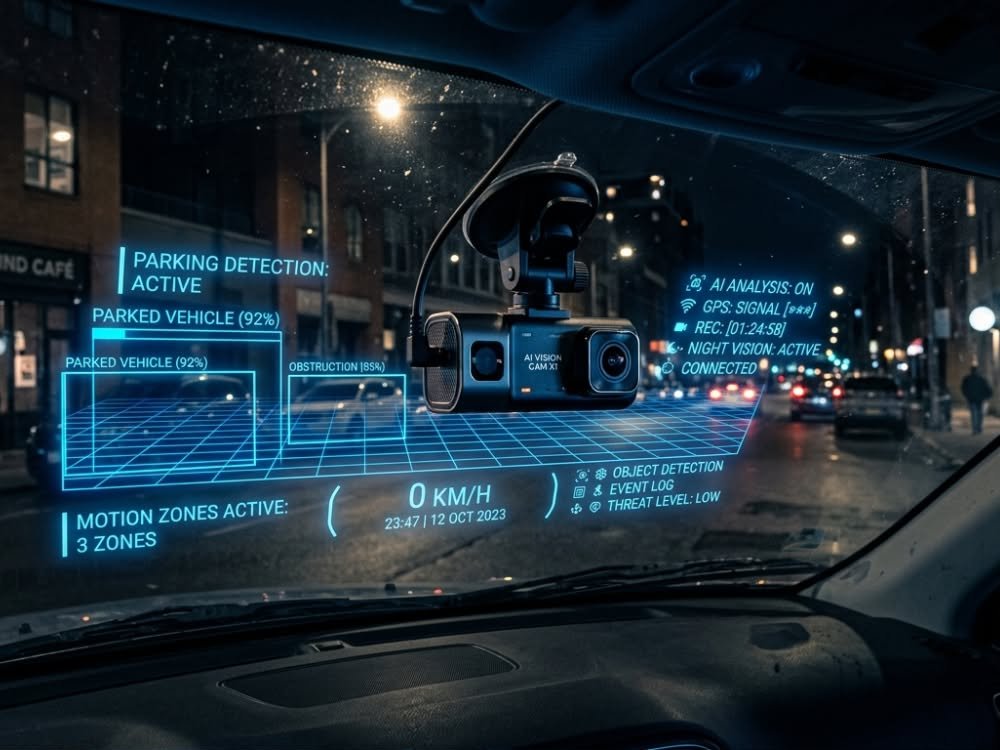
AI dash cam with parking mode technology is rapidly transforming car safety, offering smart monitoring even when your vehicle is parked. If you want peace of mind, advanced real-time alerts, and actionable video evidence, this is the must-have upgrade for 2026 and beyond.
Key Takeaways
- AI dash cams with parking mode are growing rapidly, with market estimates nearing USD 3.5 billion in 2025 and robust safety features driving adoption.
- Common real-world issues include battery drain, false alarms, and privacy challenges—smart setup and cloud integrations are critical for best results.
- Cloud storage and ADAS features give insurance discounts and advanced protection, but user-reported stats and model-specific comparisons remain hard to find.
- What is an AI Dash Cam with Parking Mode and Why Does it Matter?
- How to Get the Most from Your AI Dash Cam with Parking Mode: Step-by-Step Guide
- Advanced Analysis & Common Pitfalls
- Conclusion
- FAQ
What is an AI Dash Cam with Parking Mode and Why Does it Matter?
An AI dash cam with parking mode combines a smart camera system, usually with 4K recording, motion detection, and onboard AI, with a unique security feature that keeps watch when your vehicle is parked. Unlike standard dash cams, these models are equipped with advanced driver-assist (ADAS) features, real-time analytics, and event-triggered recording to help protect your car in any situation—whether you’re driving or away from your vehicle.
Over the next decade, global AI dash cam adoption is climbing sharply, fueled by the demand for connected car tech and safety mandates. The market is expected to jump from USD 2.6 billion in 2024 to USD 3.5 billion in 2025, with a projected compound annual growth rate (CAGR) of 34% through 2034. North America alone held 38.2% of the global share in 2024, valued at USD 0.9 billion.[1] More vehicles than ever will be equipped with AI-powered monitoring, especially as accident prevention and smart alerts become industry standards.
But why does this matter for everyday drivers or families? AI dash cams with parking mode don’t just capture accidents. They watch for suspicious motion, potential thefts, and parking lot incidents—helping protect your car when you’re not there. Whether you’re considering advanced baby transport (see electric stroller 2026 solutions) or safest car seats (360 rotating car seat), adding smart security to your vehicle is a logical next step.
How to Get the Most from Your AI Dash Cam with Parking Mode: Step-by-Step Guide
Getting real protection from your investment means more than just plug-and-play. Here’s a straightforward guide that maximizes the effectiveness and reliability of any AI dash cam with parking mode in 2026:
- Choose a Reputable AI Dash Cam Model: Look for devices with true 4K recording, robust night vision, cloud connectivity, and built-in ADAS features. Fleets prefer advanced telematics and multi-cam setups, but even individual users gain from better collision detection and parking surveillance. Leading brands often highlight firmware updates and wide-angle coverage.
- Professional or Proper DIY Installation: Proper mounting on both front and rear windows is essential. Hardwire your camera to constant power (not just a cigarette lighter) for seamless parking mode operation. If you’re uncomfortable, many automotive electricians (similar to those offering home EV charger installation) offer full-service dash cam installs.
- Set Up Cloud Storage: Enable event-based backup to the cloud, so critical videos aren’t lost if the camera is vandalized or stolen. Compare app- vs. browser-based cloud options. Monitor any monthly fees and storage caps, and understand data privacy terms in your region.[5]
- Customize Parking Mode Sensitivity: Tweak motion and G-sensor triggers. Too high, and you’ll get alert fatigue—too low, and you risk missing real incidents. Frequent false alarms drain both your patience and your car’s battery.
- Monitor Battery Protection: Activate low-battery cut-off in your dash cam settings or via dedicated dash cam battery packs. This preserves your car’s ability to start after long parking sessions.
- Stay Privacy Compliant: Regulations can differ, especially if your dash cam uses AI features like facial recognition. Check local data laws or consult your insurance company before enabling advanced analytics.[3]
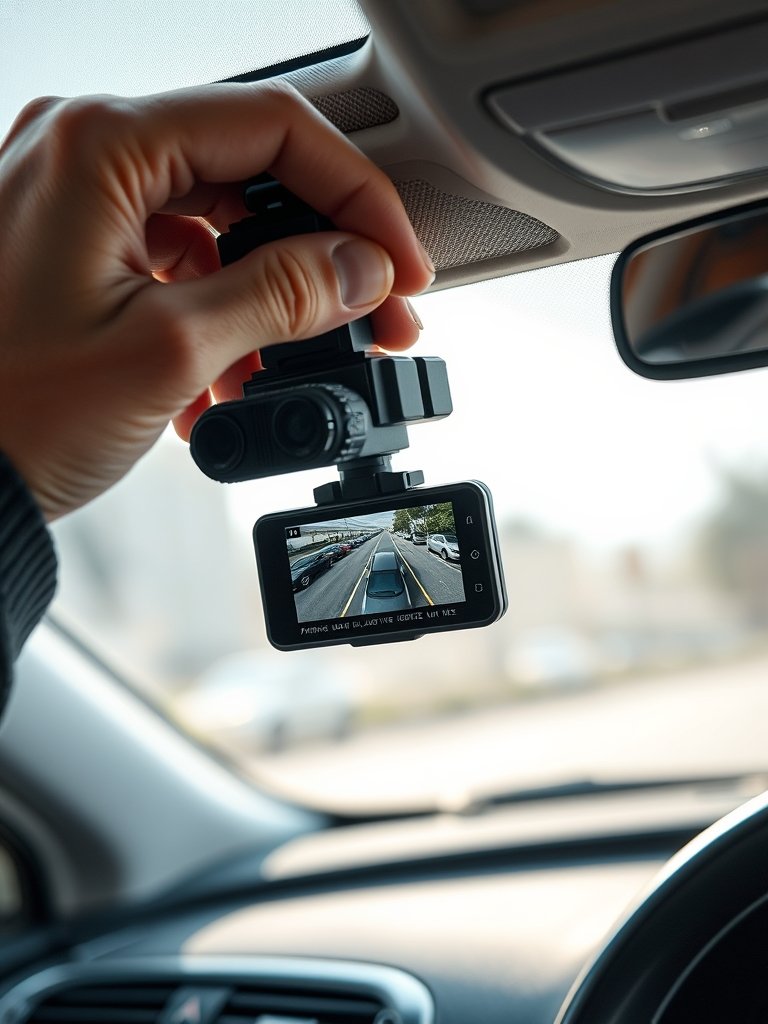
- Test with Real-World Events: After setup, conduct simple tests (gentle bumps, simulated break-ins) to make sure notifications work, files are saved, and the parking mode triggers only under realistic threats.
- Check Insurance Benefits: Ask if your policy offers premium discounts for vehicles with smart AI dash cams, especially with ADAS and driver monitoring—even if most carriers aren’t sharing exact percentages yet.[3]
- Regularly Update Firmware and Apps: Stay protected from software vulnerabilities and false alert glitches. Set reminders to check for updates once a month.
- Organize and Backup Key Footage: Use folders and tags in your cloud storage to sort important incidents (accidents, vandalism, disputes). This process is similar to managing playlists on smart devices like the Yoto Player vs Tonie Box for your family.
Advanced Analysis & Common Pitfalls
AI dash cam with parking mode systems promise big benefits, but there are tradeoffs and hidden challenges worth noting.
| Issue | How it Impacts You | Workaround or Solution |
|---|---|---|
| Battery Drain | Frequent parking mode triggers can kill your battery, leaving you stranded. Especially an issue with older vehicles or harsh winters. | Install a hardwire kit with voltage cutoff, or use a dedicated dash cam battery pack. Monitor usage after long parking periods. |
| False Alarms & Notification Spam | Overly sensitive motion detection can trigger alerts for rain, passing cars, or even strong winds, quickly overwhelming your cloud storage and phone alerts. | Fine-tune sensitivity settings. Test and adjust regularly, especially when parking in different locations. |
| Cloud Storage Limits & Costs | Basic cloud plans may fill up quickly, causing lost footage. Some brands offer only 1–3 days video retention before deletion. | Check monthly costs and upgrade if needed. Offload and backup key clips after incidents to local storage or your computer. |
| Data Privacy Risks | Unclear privacy policies or storage in non-compliant jurisdictions expose your footage and analytics to third parties. | Review vendor terms and regional data compliance. Turn off facial or plate recognition in sensitive areas. |
| Lack of Insurance Clarity | While many insurers claim to offer discounts, few publish rates or provide clear documentation for policyholders with AI dash cams. | Ask for written confirmation of any discount. Keep installation and usage documentation ready—much like receipts for EV charger installation claims. |
| Model Comparisons & Reviews | There’s a shortage of independent testing across brands, especially for theft prevention or accident dispute outcomes in the real world. | Check independent forums, Reddit threads, and product update logs. Be wary of marketing hype until third-party reviews catch up. |
Today’s AI dash cams already reduce accident rates by up to 35% compared to conventional units, driven mainly by better collision detection and driver alerts.[3] However, no specific statistics are available yet on theft deterrence, actual accident dispute resolutions, or parking mode success compared to older models.

For more insights on connected cars and home technologies, see how new power systems change vehicle safety at extended range electric vehicle or check how bidirectional EV chargers revolutionize resilience for families.
Conclusion
AI dash cam with parking mode gives you much more than a digital eyewitness. You gain sophisticated protection for your car, day and night, with tools to potentially lower insurance and resolve claims swiftly. However, setup quality, realistic expectations, and awareness of privacy and reliability challenges are absolutely vital.
Ready to upgrade your car safety in 2026? Choose your best AI dash cam with parking mode today and experience technology-driven peace of mind.
FAQ
Do AI dash cams with parking mode really prevent theft?
While AI dash cams can deter theft by recording incidents and notifying owners, there is no third-party data showing definitive prevention rates versus standard dash cams. However, visible cameras and instant alerts make thieves think twice.
Will parking mode drain my car battery?
It can. Frequent parking mode triggers drain the battery, especially if left for days. Using a hardwire kit with voltage protection or dedicated dash cam battery pack solves this problem.
Is footage from AI dash cams accepted by insurance companies?
Most insurers accept dash cam footage for claims, and some may offer discounts for cars equipped with ADAS and driver-monitoring features. Always confirm with your provider, as specific discount percentages are rarely published.
How secure is cloud storage for my dash cam videos?
Cloud storage is as secure as the vendor’s privacy and regional data compliance. Always verify where your data is stored, how long it is retained, and review terms for AI analytics. For sensitive incidents, promptly download videos to private storage.
Are all AI dash cams with parking mode legal to use?
Most are legal but certain AI features, like facial recognition, may be restricted depending on your location. Check local privacy and surveillance laws before activation—especially if you park in public or shared spaces.
—